
Studio, lifestyle or outdoor: how to choose backgrounds for product photos
Which background suits each product category, when a lifestyle or outdoor scene helps, and how to keep an online store catalogue consistent with AI photos.
ModelPhotoAI6 min read
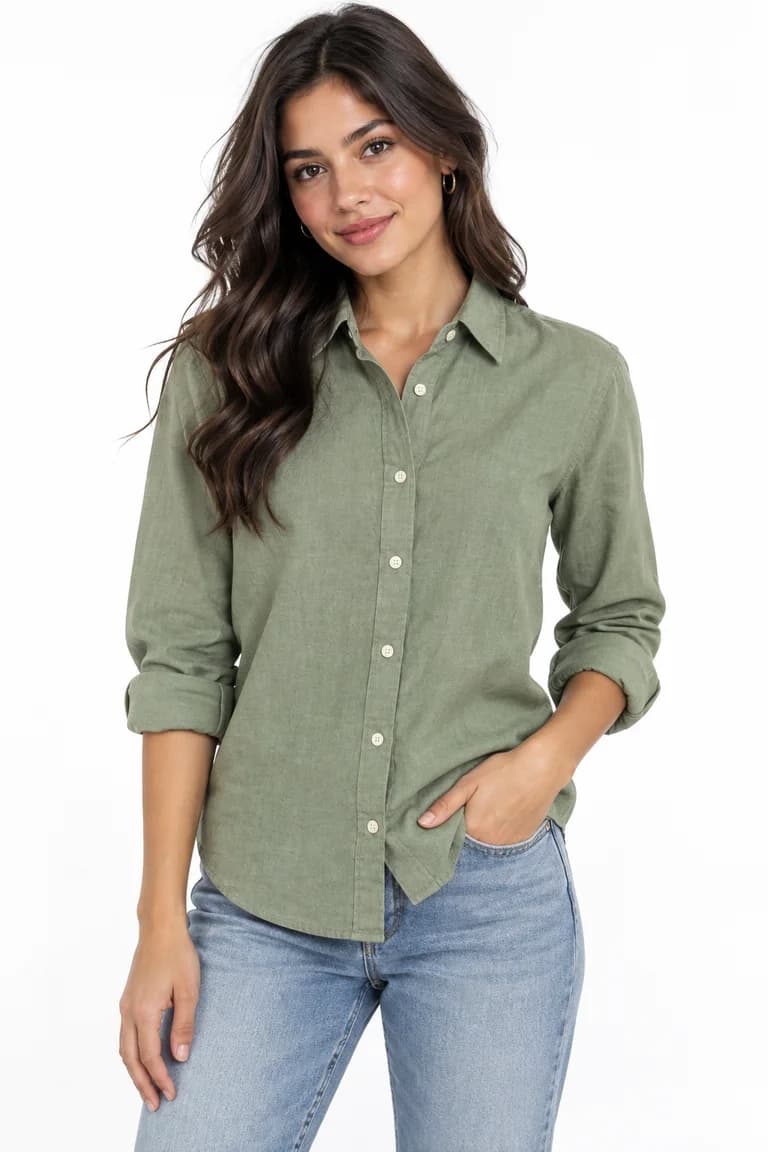
The background is the part of a product photo you notice least and the part that shapes the whole store the most. A white studio backdrop says “look at the product”. A living room, a street or a park says “imagine wearing it”. Both are useful, but they do different jobs, and mixing them without a plan is the fastest way to make a catalogue look improvised.
This guide is about choosing a scene for each kind of product and keeping the set coherent. It applies whether you shoot with a camera or generate on-model photos with AI. Where it mentions ModelPhotoAI, it refers to the options that exist in the product today.
Start with the job of each photo
Before choosing a background, decide what each photo in a listing has to do. Most product pages need some mix of these three jobs:
- Show the product accurately. Color, cut, texture and details, with nothing competing for attention. This is the main image and the one shoppers compare between listings.
- Show it in use. How it fits, how long it is on a body, how a bag is carried. A person matters more here than the setting.
- Set a mood. Where and when someone would wear it. This is where lifestyle and outdoor scenes earn their place, usually as a second or third image, or for social media.
A background that is right for one job can be wrong for another. A beach at sunset can sell a linen dress on Instagram and still be a poor main image, because warm light shifts the color a shopper sees.
Studio backgrounds: the default for the main image
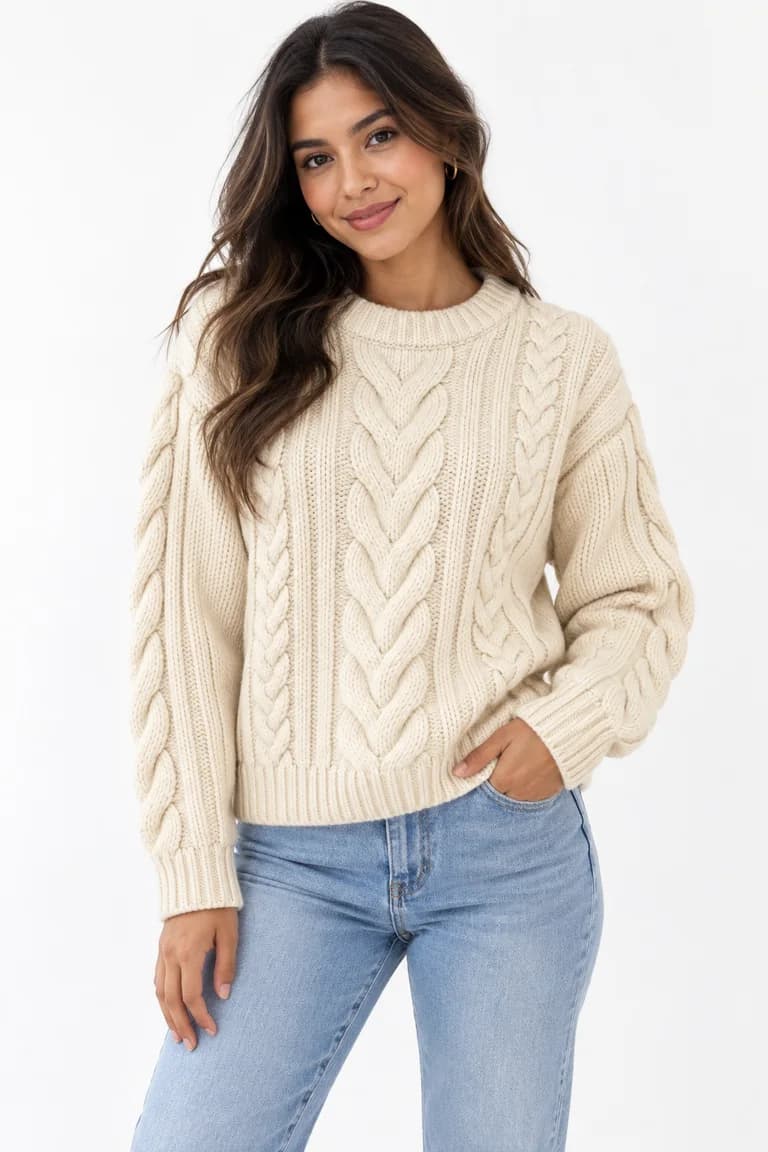
A plain white or light gray backdrop with even light is the safest choice for the first photo in a listing. It keeps colors closest to the product, makes edges easy to read, and looks the same next to every other product in a grid. It is also the easiest look to repeat, which matters more than any single photo once you have dozens of products.
A soft gradient is a middle ground: still neutral, but with a little depth. It works well for brands that want a more editorial look without introducing a location. Pick one and use it for every main image; switching between white and gradient from product to product reads as inconsistency, not variety.
Lifestyle scenes: context without distraction
Indoor scenes (a modern apartment, a living room, a café-like interior) help with products whose value is partly about the occasion: loungewear, knitwear, home-office basics, everyday bags. The rule is that the setting should explain the product, not compete with it. Busy shelves, strong colors in the furniture or a background that matches the garment's color all pull the eye away.
For social media, a dedicated lifestyle tool is often a better fit than a product-page photo. In ModelPhotoAI, InstaShoot generates lifestyle photos from a scene and a style, at 10 credits per image, while Dress Model costs 8 credits per image and is the tool built around your garment photo. More on that in AI lifestyle photography.
Outdoor scenes: strongest mood, most variables
Streets, parks, terraces and beaches carry the most atmosphere and the most risk. Daylight, shade and colored surroundings change how a fabric looks, and a dramatic location can become the subject of the photo. Outdoor scenes work best as supporting images for products that are clearly seasonal or tied to a setting: a light dress for summer, a coat for the city, sneakers for the street.
A starting point by product category
These are practical defaults, not rules. Test them against your own products and your customers' screens.
| Category | Main image | Supporting images |
|---|---|---|
| Plain basics (shirts, tees, knit tops) | White or light studio, so the exact shade is clear | One lifestyle interior to show how it is worn day to day |
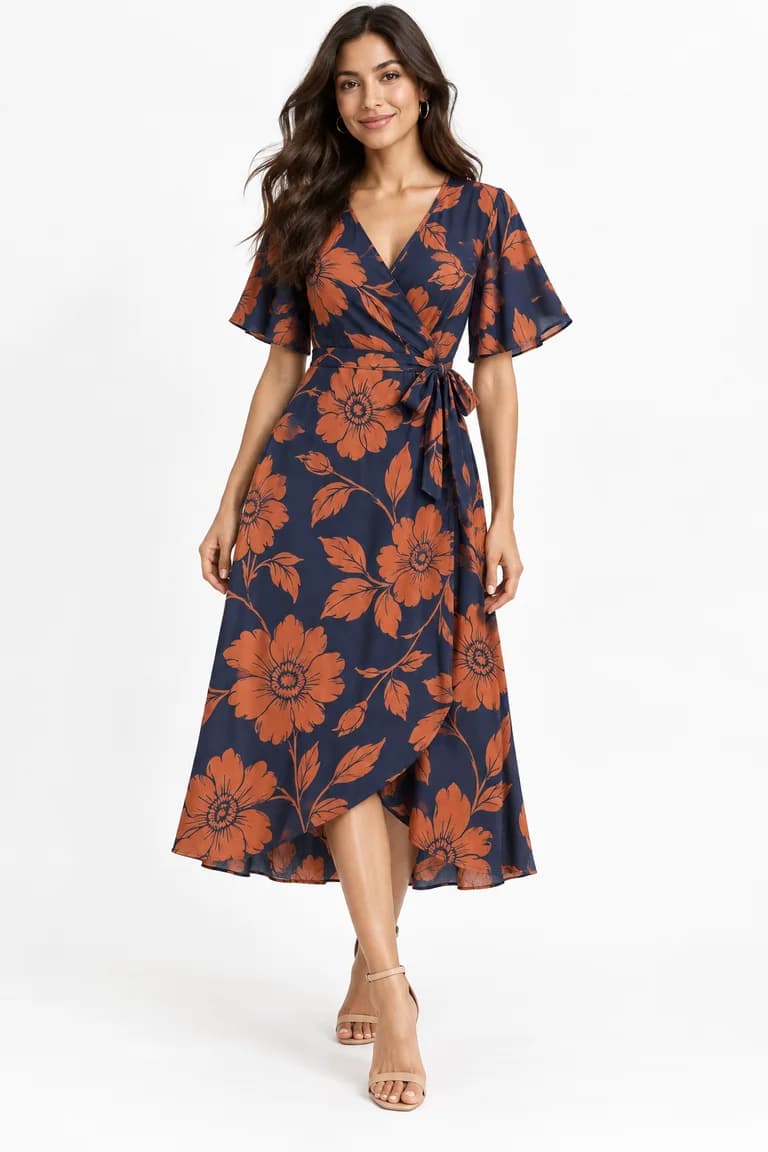
| Printed garments | Plain studio; avoid patterned or colorful settings that compete with the print | A simple outdoor scene with soft light, if the print suits a season |
| Textured pieces (knitwear, linen, denim) | Studio with even light, so texture is not lost in shadows | A warm interior that matches how the piece is used |
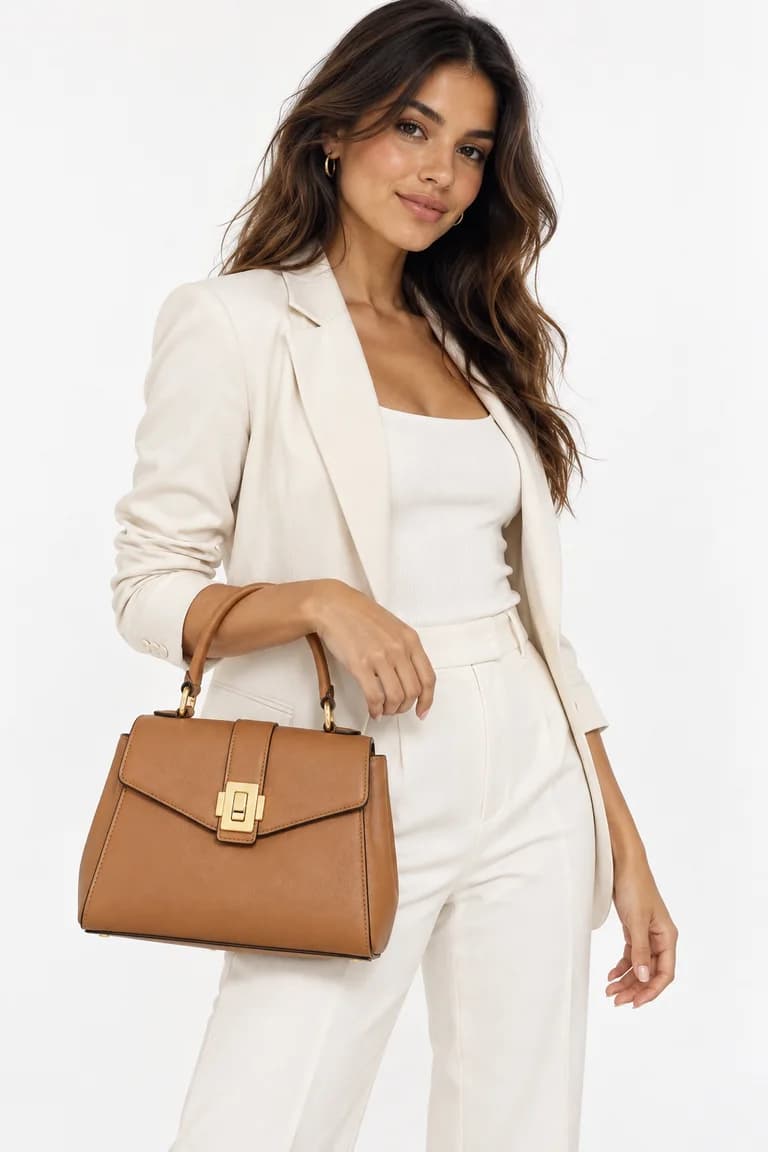
| Bags and accessories | Studio, with the product large in the frame | Urban street or interior, to show scale and how it is carried |
| Outerwear and seasonal items | Studio for the main image | Outdoor (street, park) to show the season or the city |
| Evening and occasion wear | Studio or gradient for an editorial feel | A refined interior or terrace, used sparingly |
How to keep a catalogue consistent
Consistency is what makes a store feel trustworthy at a glance. It comes from repeating a small number of decisions, not from making every photo perfect. Write them down once and reuse them:
- Pick one background for every main image, and one or two scenes for supporting images. Avoid adding new scenes product by product.
- Use the same framing for the same kind of product: full length for dresses and trousers, waist up or three-quarter for tops, the product large in the frame for accessories.
- Keep the same shape per placement. Dress Model images come out square (1024x1024), portrait (1024x1536) or landscape (1536x1024); pick the shape your store layout uses and stick to it.
- Reuse the same model, or a small set of models, across a collection. Model Creator lets you build a reusable model with an ethnicity, age range and body type, at 2 credits per run.
- Keep styling neutral. Generated outfits (jeans, shoes, a jacket) should not look like part of what you sell. If a shopper could think they are included, say clearly what is.
Check the result, not just the scene
A good background does not fix a wrong product. Whatever scene you choose, compare every generated image with your product photo before publishing: color, shape, print scale, texture and hardware. The step-by-step list is in how to review AI product photos before you publish them. Outdoor and warm-light scenes deserve an extra look at color, since they are where shades drift most visibly.
Tools mentioned in this article
Try it with your own product photos
New accounts get 100 free credits, no card required: enough for 12 Dress Model images. Email signups verify their email before generating.
Related articles
Product photos
How to review AI product photos before you publish them
A practical checklist for AI on-model photos: compare color, shape, print scale, texture, hardware, hands and background against your product photo.
6 min read
Read article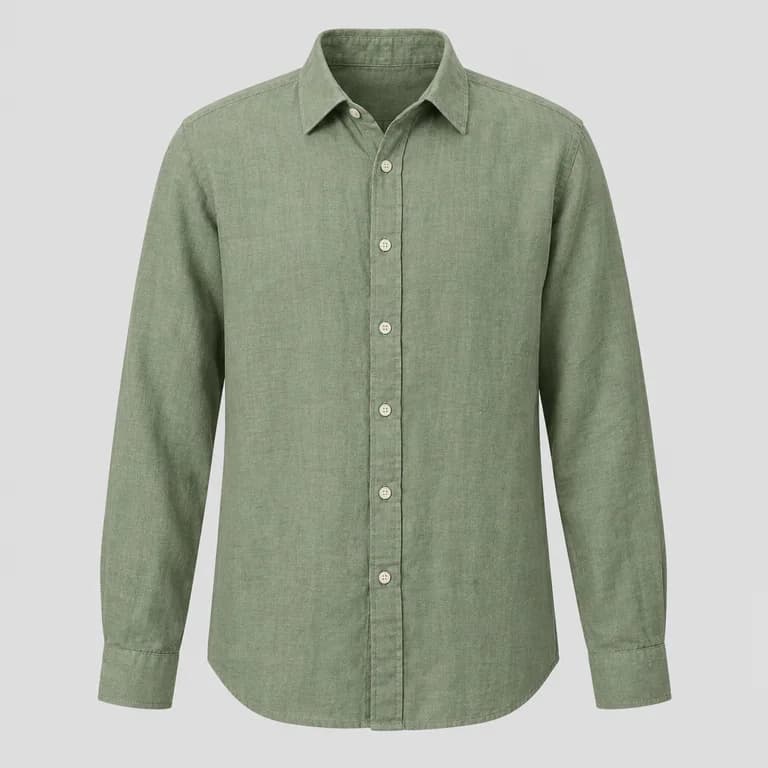
Product photos
How to photograph clothes for AI model photos: light, wrinkles and framing
How to shoot garment photos that AI can turn into accurate on-model images: soft light, a plain background, no wrinkles, the full garment and a sharp file.
6 min read
Read article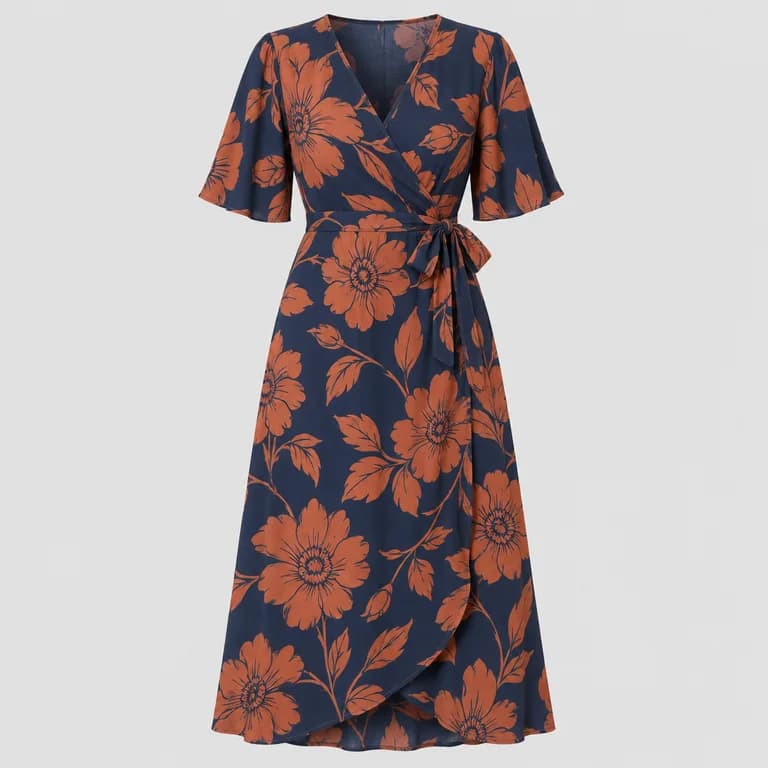
Product photos
Flat lay vs ghost mannequin vs hanger: which product photo works best for AI
Flat lay, ghost mannequin or hanger? What each clothing photo style shows an AI model generator, where each one fails, and which to use for each garment.
6 min read
Read article