
Flat lay vs ghost mannequin vs hanger: which product photo works best for AI
Flat lay, ghost mannequin or hanger? What each clothing photo style shows an AI model generator, where each one fails, and which to use for each garment.
ModelPhotoAI6 min read
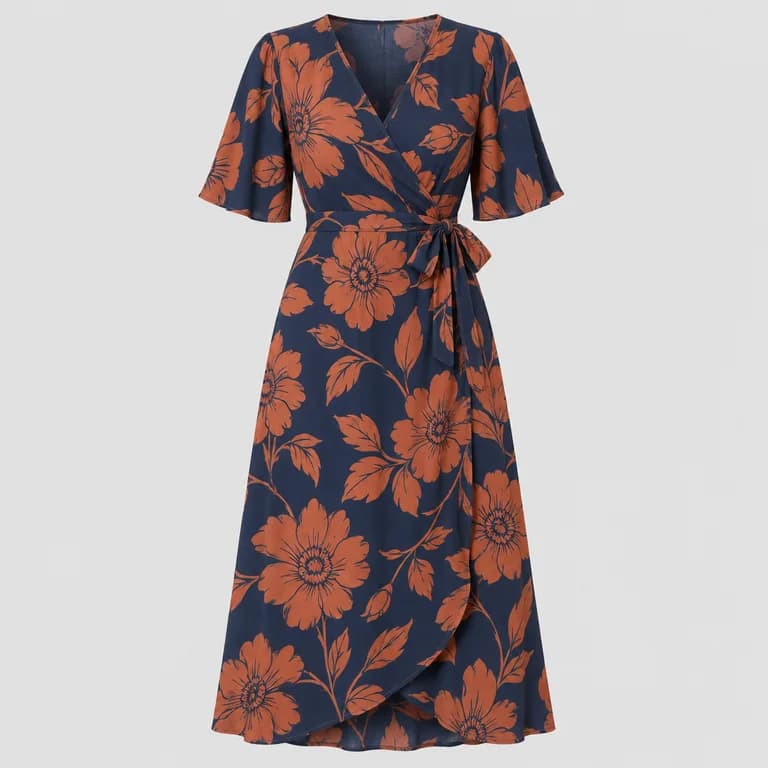
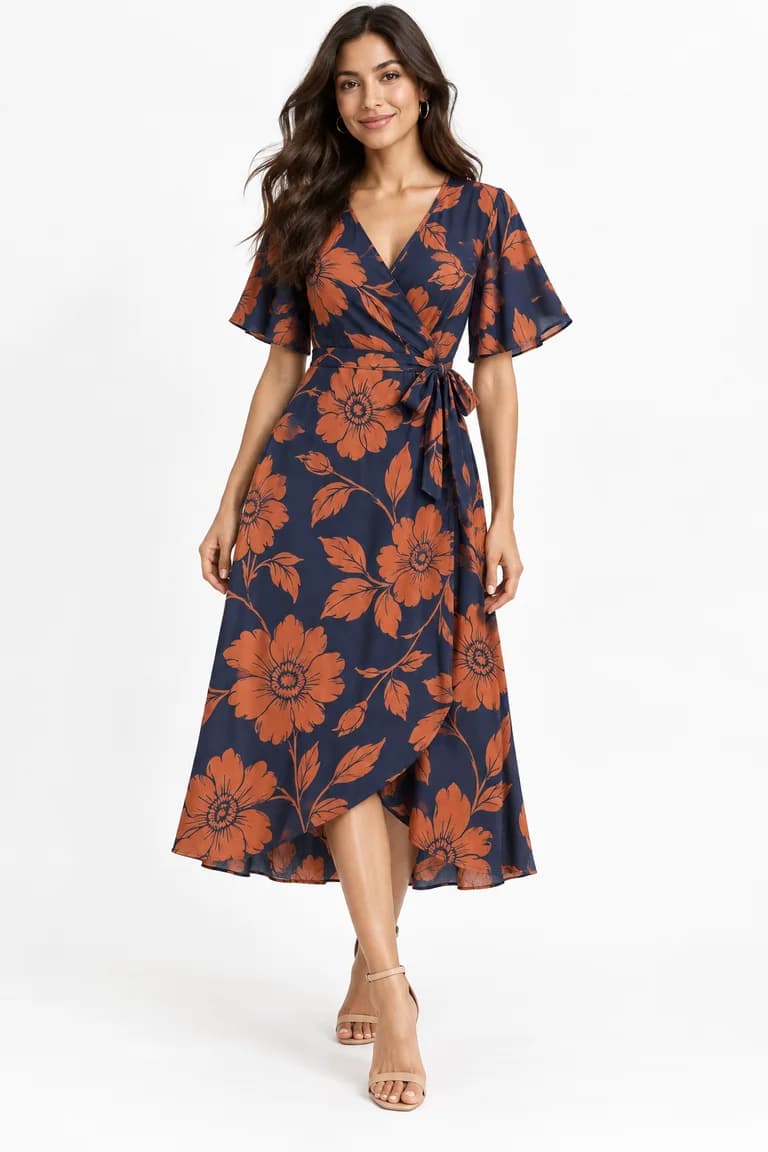
There are three common ways to photograph a garment for a store: laid flat on a surface (flat lay), on a mannequin that is later removed in editing (ghost mannequin), or hanging from a hanger. Dress Model accepts all three. They do not give the AI the same information, though, and that difference shows up in the result.
This article explains what each style shows, where each one tends to mislead, and which to choose for each kind of garment. One note up front: we have not published a side-by-side test of the three methods, so read this as practical guidance based on what each photo does and does not show, not as a ranking backed by numbers.
What the AI needs from your photo
To put a garment on a model, the AI has to work out four things from a single image:
- The outline: where the garment starts and ends, including sleeves, collar and hem.
- The proportions: how long it is compared with how wide, and where the waist, pockets and closures sit.
- The volume and drape: how the fabric falls and how the neckline and shoulders look on a body.
- The surface: color, print and texture, without distortion.
Each photo style is strong on some of these and weak on others. The best choice is the one that shows the garment's true shape most clearly with the least to guess.
Flat lay
The garment lies on a flat surface and is photographed from directly above. It is the easiest style to do at home: a large sheet of paper or a plain bedsheet on the floor, daylight from a window and a phone held level.
- Strengths: the whole front is visible and evenly lit, prints and graphics are flat and undistorted, and nothing else is in the frame.
- Weaknesses: there is no volume. The neckline lies flat, the garment looks wider than it is on a body, and the drape of soft fabrics is lost. A flowing dress spread on the floor tells the AI little about how it falls.
- Watch out for: perspective. If the phone is not parallel to the surface, the top or bottom of the garment stretches and the length changes.
Arrange the garment in its natural shape: shoulders level, sleeves alongside the body rather than folded across it, hem straight. Avoid decorative styling such as crossed sleeves or folded corners; the AI may take them as part of the design.
Ghost mannequin
The garment is photographed on a mannequin, and the mannequin is then removed in editing, sometimes combined with a second shot of the inside of the neck. The result looks like an invisible body is wearing it.
- Strengths: it shows the three-dimensional shape as worn: shoulders, neckline, how the body of the garment falls. That is the closest input to what the AI has to produce.
- Weaknesses: it takes more work. You need a mannequin in a size that fits the garment and time to edit it out. Poor editing leaves rough edges or a hollow that looks unnatural.
- Shortcut: for an AI input, the ghost edit is optional. A clean shot on a plain mannequin, in a color that contrasts with the garment, already shows the shape. The edit mainly makes the photo tidier to use in the store too.
Hanger
The garment hangs from a hanger against a wall or a door. It is quick, and gravity does something the flat lay cannot: it shows how the fabric falls.
- Strengths: drape and length read naturally, which helps with dresses, skirts and soft blouses.
- Weaknesses: the shoulders take the shape of the hanger, which can leave points or bumps. Heavy knits stretch and look longer than they are. The garment can twist or hang off-center, and the hook is in the frame.
- Watch out for: shadows on the wall behind. Leave some space between the garment and the wall, and light it from the front side, not from behind.
Use a slim, plain hanger in a neutral color, and clip trousers and skirts at the waistband. Before shooting, check that the side seams hang straight down.
Side by side
| Style | Shows well | Can mislead on | Effort |
|---|---|---|---|
| Flat lay | Outline, prints, color | Volume, neckline, drape, width | Low |
| Ghost mannequin | Shape as worn, neckline, shoulders | Edges if the edit is rough | High |
| Plain mannequin | Shape as worn | Mannequin color close to the garment's | Medium |
| Hanger | Drape and length | Shoulders, stretch in knits, twisting | Low |
Which one to use for each garment
- T-shirts and sweatshirts: flat lay works well because their shape is simple. A mannequin shows the neckline better.
- Knitwear: flat lay or mannequin. Avoid hanging heavy knits, which stretch.
- Shirts, blazers and coats: a mannequin, to show the collar, the shoulders and the structure.
- Dresses and skirts with drape: a mannequin or a hanger, so the AI can see how the fabric falls.
- Trousers and jeans: flat lay, or a clipped hanger, with both legs straight and the full length visible.
- Bags and accessories: on a plain surface or standing upright, from the angle buyers normally see them, with handles and straps arranged as they would hang.
Whatever style you choose
The basics matter more than the style: soft, even light, a plain background in contrast with the garment, no wrinkles, the whole garment in frame and a sharp original file. We cover them in how to photograph clothes for AI model photos. And whichever input you use, the model, pose and background are generated, and the AI only sees the front.
Since a result you don't like still costs credits, the input photo is where a little care pays off most. What can and cannot be generated is listed in the FAQ.
Tools mentioned in this article
Try it with your own product photos
New accounts get 100 free credits, no card required: enough for 12 Dress Model images. Email signups verify their email before generating.
Related articles
Product photos
How to review AI product photos before you publish them
A practical checklist for AI on-model photos: compare color, shape, print scale, texture, hardware, hands and background against your product photo.
6 min read
Read article
Product photos
How to photograph clothes for AI model photos: light, wrinkles and framing
How to shoot garment photos that AI can turn into accurate on-model images: soft light, a plain background, no wrinkles, the full garment and a sharp file.
6 min read
Read article
Product photos
How to create a consistent AI model for your brand
Build a recognisable AI model with Model Creator: write a brief, choose features, check every angle and keep the look consistent across your catalogue.
6 min read
Read article