
AI product photo costs: how to budget a catalogue with credits
Worked examples for budgeting AI on-model photos and videos with credits, plus how to compare the result with a photoshoot quote line by line.
ModelPhotoAI6 min read
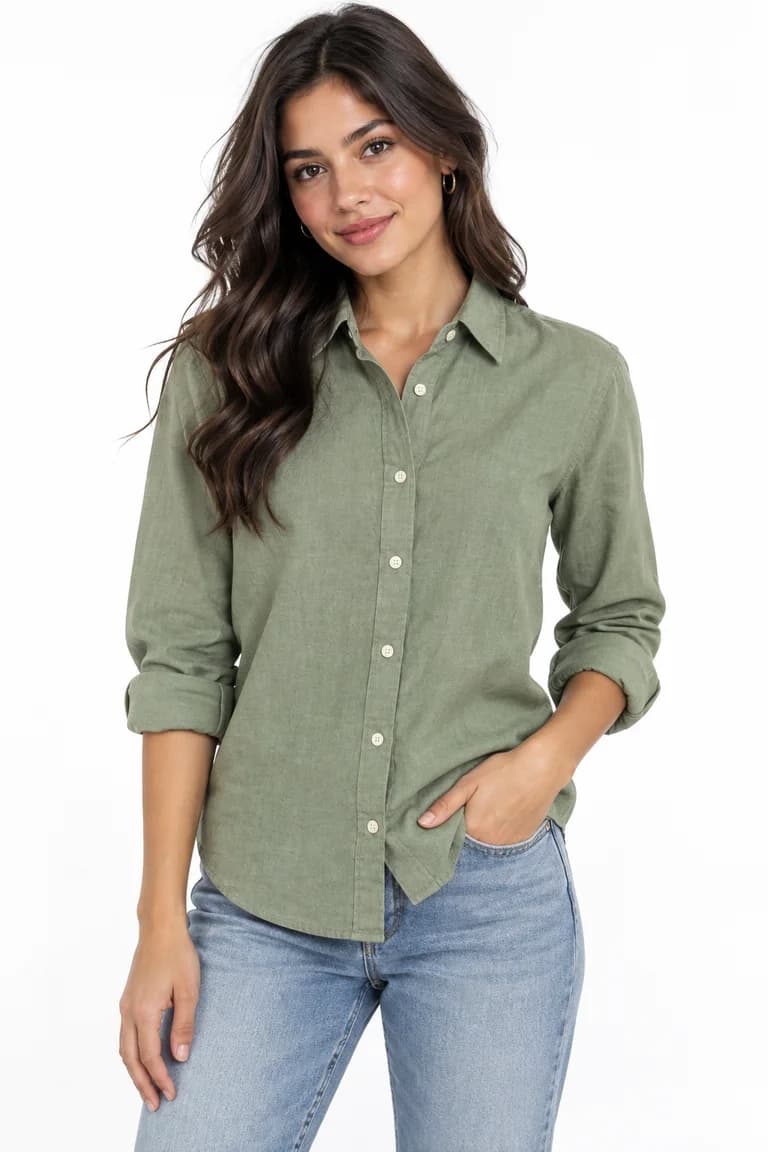
Before you photograph a catalogue, you want a number. With ModelPhotoAI that number is in credits: each tool charges a fixed amount per image or per video, so the cost of a catalogue is mostly multiplication. The part that takes judgment is how many images you really need and how many runs you will discard. This guide walks through both, with worked examples, and then shows how to put the result next to a photoshoot quote.
The credit table
Every tool is available on every account; what changes from one tool to another is how many credits it charges and what each charge buys.
| Tool | Credits | What one charge buys |
|---|---|---|
| Dress Model | 8 | One image of a model wearing your product |
| InstaShoot | 10 | One lifestyle image |
| Animate Photo, no sound | 10 | One video |
| Animate Photo, with sound | 15 | One video |
| Motion Capture | 10 | One video |
| Model Creator | 2 | One run to create a model you can reuse |
A Dress Model image is 1024×1536, 1536×1024 or 1024×1024 pixels and typically takes 20 to 60 seconds. You can request several images in one run; each image is charged separately.
Step 1: count the images you need
Start from your listings, not from the tool. For each product, decide how many generated images the listing needs: one main on-model photo, a second angle or pose, a lifestyle image for social media. Then subtract what AI should not do for you: detail close-ups of fabric, labels and hardware are usually better shot with a phone, and a few categories cannot be generated at all (the FAQ lists them), so those products need real photos.
Write it as a simple formula: products × images per product × credits per image.
Step 2: run a small test first
A free account includes 100 credits with no card. That is 12 Dress Model images (96 credits), with 4 credits left over. Use them on your hardest products: a busy print, a visible logo, an accessory whose size matters. Count how many images you would publish and how many you would re-run. That ratio, from your own products, is the most important number in your estimate.
Step 3: worked examples
A catalogue of on-model photos
40 products × 3 images each = 120 images. At 8 credits per Dress Model image, that is 960 credits if every image is a keeper.
The same catalogue with re-runs
Suppose your test showed that you needed one extra run for every four images. That adds 30 runs: (120 + 30) × 8 = 1,200 credits. One in four is only an example; use the ratio from your own test, and note that it may be higher for prints and accessories, where details drift more, than for plain garments.
A launch with mixed formats
| Item | Quantity | Credits each | Subtotal |
|---|---|---|---|
| Model Creator runs (try a few faces) | 3 | 2 | 6 |
| Dress Model, 40 products × 2 images | 80 | 8 | 640 |
| InstaShoot lifestyle images | 10 | 10 | 100 |
| Animate Photo videos, no sound | 4 | 10 | 40 |
| Animate Photo videos, with sound | 2 | 15 | 30 |
| Motion Capture videos | 2 | 10 | 20 |
| Total | 836 |
Creating a model once with Model Creator and reusing it across products costs little and keeps the store consistent. Each video costs more credits than a Dress Model image, so decide which products actually need motion.
Step 4: turn credits into money
With the planned prices, the cost of one Dress Model image depends on the plan. Yearly billing is 25% off and is charged once a year.
| Plan | Price and credits | Dress Model images per month | Cost per image (monthly / yearly billing) |
|---|---|---|---|
| Starter | $10/month, 200 credits | 25 | $0.40 ($0.30 yearly) |
| Pro | $20/month, 500 credits | 62 | $0.32 ($0.24 yearly) |
| Business | $50/month, 2,000 credits | 250 | $0.20 ($0.15 yearly) |
To convert any estimate, multiply its credits by the cost per credit of the plan you would use (price ÷ credits). Choose the plan from your monthly volume, not from the total of a one-off catalogue.
Step 5: compare it with a photoshoot quote
We do not quote photoshoot prices here: they vary too much by city, team and brief, and any number we gave you would be a guess. Instead, ask for a written quote and break it down so that both options are measured the same way.
- How many final, edited images does the quote include? Divide the total by that number to get a cost per usable image.
- What is included: model fees, studio or location, styling, hair and makeup, retouching?
- What usage rights do you get, for which channels and for how long?
- What happens if a product needs to be reshot, and what does a new batch of products cost later?
- How long until you receive the files?
For the AI side, use the estimate from Step 3 with your own re-run ratio, divide by the number of images you will publish, and add the time someone on your team will spend reviewing each image against the product photo.
Cost is not the only difference. A real shoot shows true fit and fabric behavior and has no content filter; AI images need a careful review because prints, small details and proportions can drift (see what AI fashion photography can and cannot do today). A practical option is a mix: AI for on-model images of a large or fast-changing catalogue, real photos for details and for categories AI cannot cover.
Tools mentioned in this article
Try it with your own product photos
New accounts get 100 free credits, no card required: enough for 12 Dress Model images. Email signups verify their email before generating.
Related articles

Selling online
AI product photos: rights, consent and privacy for online stores
What a brand should check before publishing AI product photos: who owns the inputs, consent for real faces, honest images and Argentina's data law basics.
6 min read
Read article
Selling online
A product photo workflow for small clothing brands selling online
A step-by-step workflow for small fashion brands: plan the shot list, take a clean product photo, add on-model images with AI, review them and publish.
6 min read
Read article