
AI product photos: rights, consent and privacy for online stores
What a brand should check before publishing AI product photos: who owns the inputs, consent for real faces, honest images and Argentina's data law basics.
ModelPhotoAI6 min read
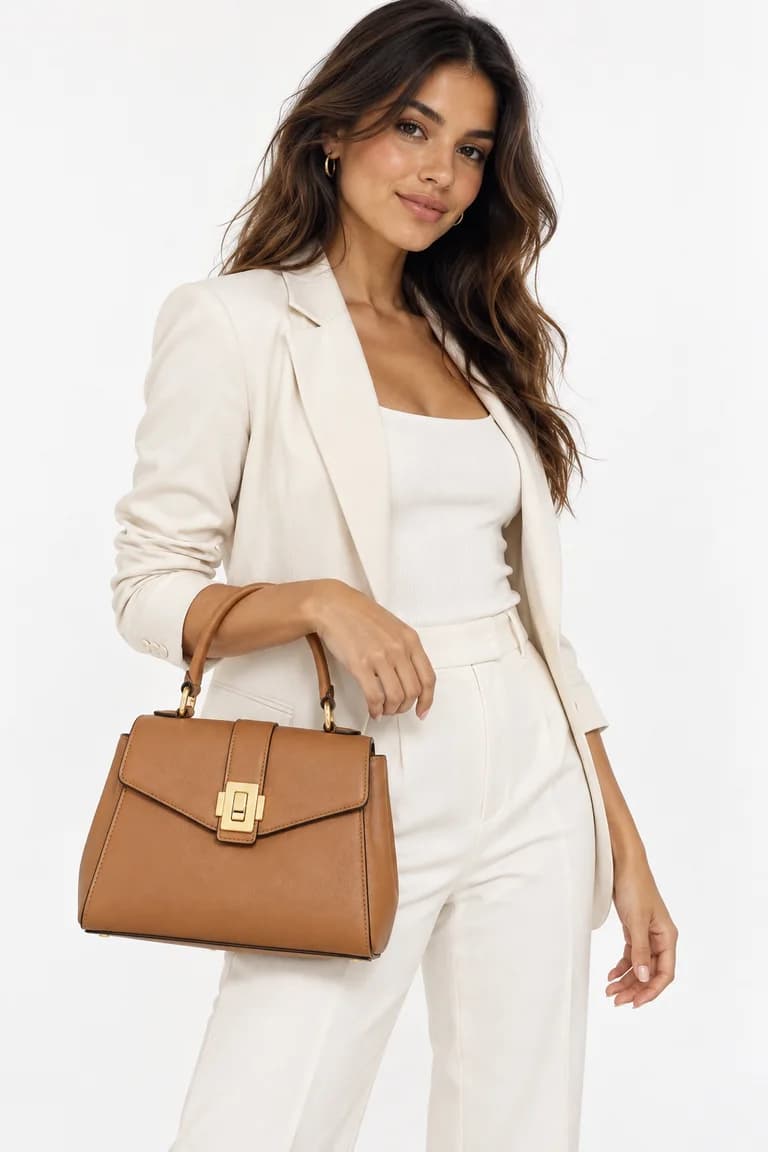
AI tools make it possible to show a garment on a model without a photo shoot. That does not remove the questions a brand already had to answer with traditional photography: who owns the photos you start from, whether the people who appear agreed to it, and whether the final image tells the truth about the product. This article goes through those questions in practical terms.
1. Start from photos you own or may use
Every AI result starts from an input: the product photo you upload. Photographs are protected by copyright (in Argentina, by the Intellectual Property Law 11,723), and the right to use one depends on who took it and on what terms. Before you upload a photo, ask where it came from.
- Photos you took yourself of your own product are the safest starting point.
- Photos from a photographer you hired: check what your agreement says about use, especially for edited or derived versions. If there is no written agreement, ask for one.
- Photos from a supplier or manufacturer: they may let resellers use them in listings and still not allow changes. Ask in writing.
- Photos found online, including another store's listing or a competitor's catalog, are not yours to use, even if you only want to swap the model.
The same applies to the product itself. Running another brand's design, logo or print through an AI tool does not make the result yours to sell.
2. Real faces need consent
The most sensitive input is a photo of a real person. A recognizable face is part of that person's image, and in Argentina the Civil and Commercial Code (article 53) requires a person's consent to capture or reproduce their image, with limited exceptions. Many other countries have similar rules.
In practice, if you want an AI image to look like a specific person (an employee, a friend of the brand, a model from a past shoot), get their consent first, and make it specific:
- Say that their photo will be used to generate new AI images, not only that they will appear in your catalog.
- Say where the images will be published (your store, social networks, ads) and for how long.
- Keep it in writing, with the date, and keep a copy you can find later.
- Tell them how to withdraw their consent and what you will do if they do, such as removing the images from your channels.
Generated models that are not based on anyone are a simpler option. Even then, look at the result: if a generated face happens to closely resemble a real, well-known person, choose another image.
3. Personal data: Argentina's Law 25,326 basics
Argentina's Personal Data Protection Law (Law 25,326) covers information about identified or identifiable people. A photo where someone can be recognized can count as personal data, and so can the contact details you collect from customers and from people who appear in your photos.
A few basics that matter for a small brand:
- As a general rule, processing personal data requires the person's free, express and informed consent. That is another reason to keep written consent from anyone whose face you use.
- People have the right to access the data you hold about them and to ask for it to be corrected, updated or deleted.
- Collect only what you need for a clear purpose, and keep it reasonably secure.
- The supervisory authority is the Agency for Access to Public Information (AAIP), which publishes guidance on its website.
When you upload a photo to an AI service, that service processes it too. Read how each tool handles your files before you upload someone's photo. ModelPhotoAI's privacy policy lists the providers that receive your uploads and what each one is used for.
4. The result must be honest about the product
An AI image is fine to publish only if it shows the product as it is. Generated images can change a color, redraw a print, add a detail or make a bag look a different size. A customer who receives something different from the photo has a fair complaint, whatever tool made the photo.
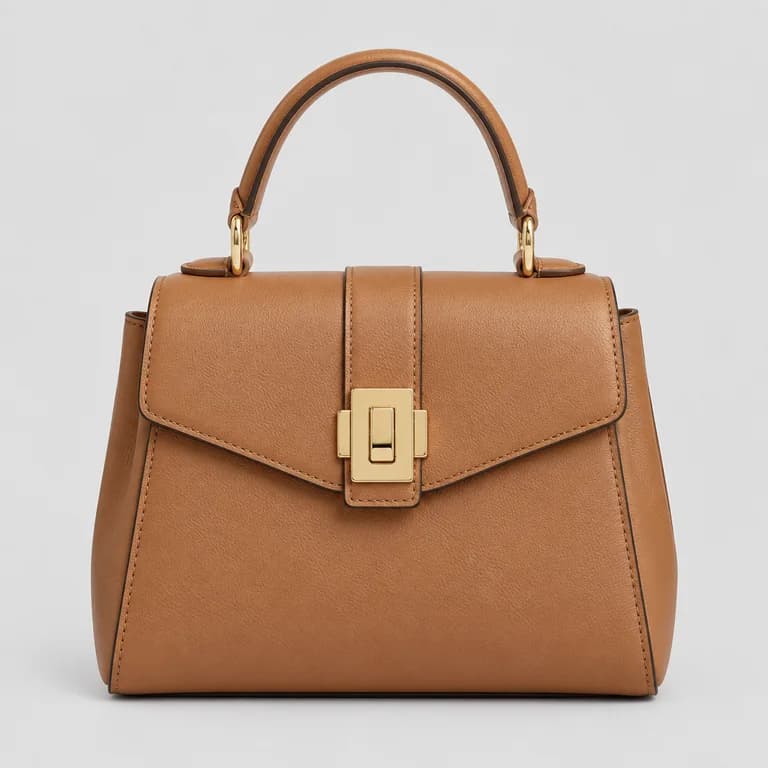
Review every image against the original product photo before it goes live. Our checklist for reviewing AI product photos covers color, shape, print scale, texture, hardware, hands and background step by step.
5. Be clear about what is generated
We can't give you one rule for labeling AI images: what applies depends on where you publish. Marketplaces, store builders and social networks may have their own image and disclosure guidelines, and those change, so read the current ones for each place you sell before you publish.
Whatever the platform requires, a few habits keep you on the safe side: make it clear what the buyer gets (if the model also wears jeans, say the jeans are not included), give real measurements and materials in the text, and keep at least one real photo of the product in the listing when you can.
6. Know what you can do with the output
Each AI service sets its own terms for generated images, so read them before you build a catalog on top of one. On ModelPhotoAI, you keep ownership of the images you upload, we do not claim ownership of the outputs, and you receive a non-exclusive license to use them commercially. Non-exclusive means another user could create a similar image. If exclusivity matters to your brand, for example for a campaign or a trademark, ask a lawyer. The full wording is in the terms of service.
A short checklist before you publish
| Check | Question to answer |
|---|---|
| Input photo | Did I take it, or do I have written permission to use and modify it? |
| Product | Is the design, print or logo mine or licensed to me? |
| Faces | If the image is based on a real person, do I have their specific written consent? |
| Personal data | Do I store only what I need, and can I answer a request to access or delete it? |
| Accuracy | Does the image match the product's color, shape, size and details? |
| Platform | Did I read this platform's current image and disclosure guidelines? |
None of this needs a legal department. It needs a habit: before each upload, know where the photo came from; before each publication, check the result against the product.
Tools mentioned in this article
Try it with your own product photos
New accounts get 100 free credits, no card required: enough for 12 Dress Model images. Email signups verify their email before generating.
Related articles
Selling online
A product photo workflow for small clothing brands selling online
A step-by-step workflow for small fashion brands: plan the shot list, take a clean product photo, add on-model images with AI, review them and publish.
6 min read
Read article
Selling online
AI product photo costs: how to budget a catalogue with credits
Worked examples for budgeting AI on-model photos and videos with credits, plus how to compare the result with a photoshoot quote line by line.
6 min read
Read article