
A weekly content routine for a small fashion brand using AI photos
Plan, batch, review and publish AI product photos in one week: a realistic routine for a small clothing brand, with a credit budget and quality checks.
ModelPhotoAI6 min read
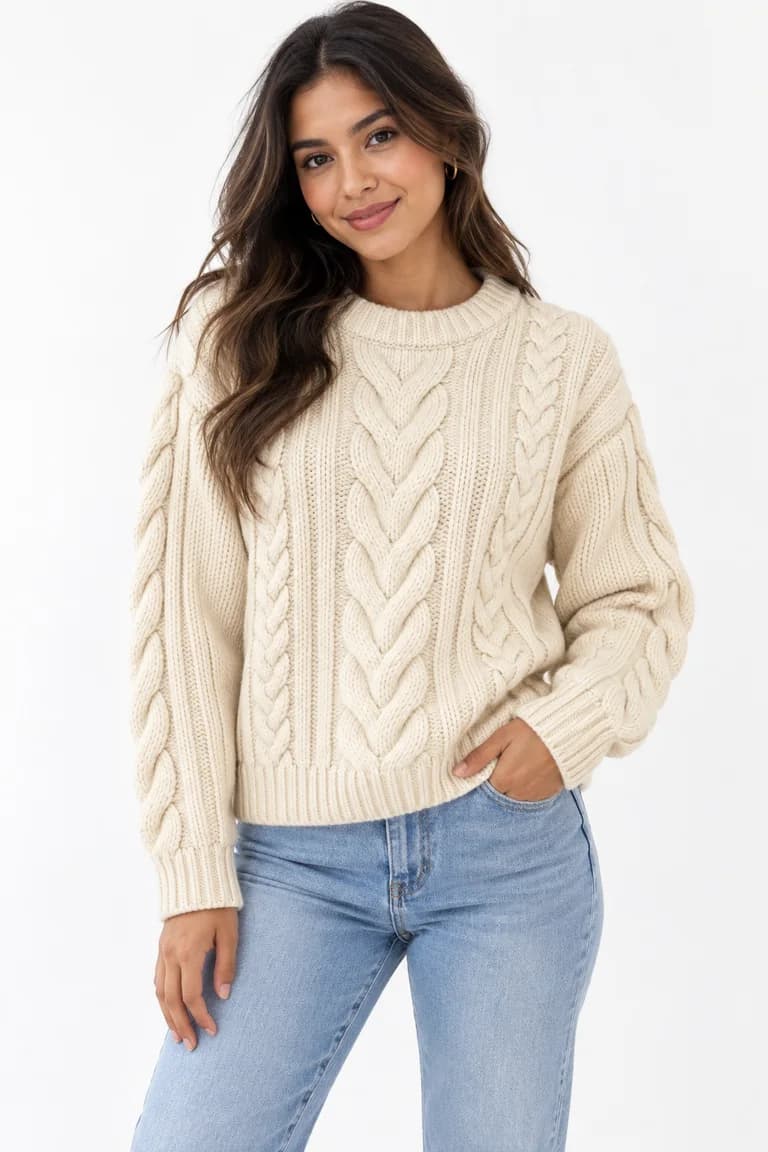
Most small fashion brands do not lack ideas for content. What they lack is a predictable slot in the week to produce it. When photos depend on booking a shoot, new products sit in a drawer until there are enough of them to justify one. AI photos remove the shoot, but not the work: someone still has to choose products, prepare inputs, review results and write honest listings.
Below is a weekly routine you can adapt. It assumes one person spends a few focused blocks a week on content. It does not promise more sales or followers; it aims for something you control: every product that is ready to sell gets checked photos and a clear listing, every week.
Monday: plan the week
Start with a short list, not a calendar full of empty slots. Pick the products that will go live or be promoted this week and decide what each one needs.
| Need | Tool | Cost |
|---|---|---|
| Your garment or accessory on a model, for the listing | Dress Model | 8 credits per image |
| Lifestyle photos for social media | InstaShoot | 10 credits per image |
| A short video from a photo | Animate Photo | 10 credits without sound, 15 with sound |
| A consistent model for your brand | Model Creator | 2 credits per run |
Then put a credit budget next to the plan. A worked example for a week with five products, two on-model photos each, three social photos and one short video:
- On-model photos: 5 products × 2 images × 8 credits = 80 credits
- Social photos: 3 images × 10 credits = 30 credits
- One video without sound: 10 credits
- Total before re-runs: 120 credits
Leave room for re-runs: an image you end up discarding has still used its credits. A new account starts with 100 free credits, enough for 12 Dress Model images if every attempt succeeds, so a trial week is a good moment to learn how many re-runs your products usually need. Paid plans are listed on the pricing page.
Tuesday: prepare the input photos
The input decides most of the result. Spend this block on product photos, not on prompts.
- Photograph each product flat or on a hanger, front-facing, with the whole item in the frame.
- Use even light and a plain background, so the color you see is the color you sell.
- Take a close-up of anything the AI might redraw: a print, a logo, a clasp, a texture. You will need it to review the result.
- Only use photos you took or have permission to use and modify.
- Name the files by product and color, so the review on Thursday is quick.
Wednesday: generate in one batch
Generate everything in a single sitting instead of a few images a day. Batching keeps your settings consistent across products, and it makes the results easier to compare side by side.
Dress Model typically takes 20 to 60 seconds per image. In the four real runs shown in our home page demo it took between 22.4 and 24.8 seconds, at 8 credits each. Use the waiting time to write down the real measurements and materials of each product; you will need them for the listing.
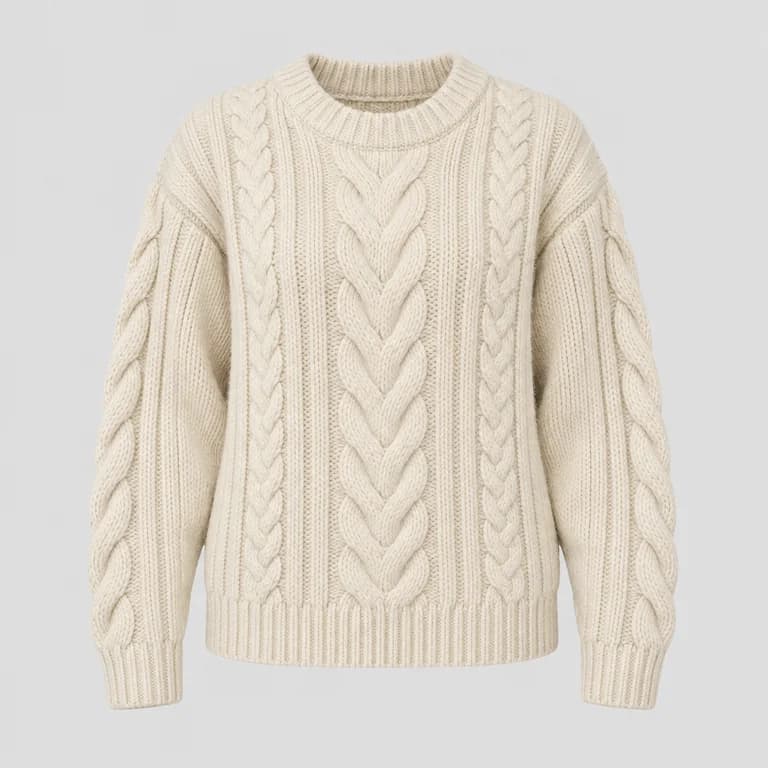
Keep the same output size for every product in a collection, for example portrait for listings. Dress Model can produce portrait (1024 × 1536), landscape (1536 × 1024) or square (1024 × 1024) images.
Thursday: review and write the listings
Review every image against its product photo before you write a single caption. Check color, shape and length, print scale, texture, hardware, hands and background. Our checklist for reviewing AI product photos goes through each point with examples.
- Sort results into three groups: publish, re-run, discard. Decide the re-runs now and run them in one go.
- Do not fix product errors in an editor. If the color or a detail is wrong, re-run or leave the image out.
- Write each listing with the real measurements, materials and fit, and say what is not included if the model wears other items.
Friday: publish and take notes
Publish the listings and schedule the social posts for the next week. Before you do, read the current image guidelines of each platform you use. They may differ from one another and change over time, so do not rely on a rule you read once.
Then spend ten minutes on notes for next Monday. Write down which products needed re-runs and why, which input photos worked well, and what you would photograph differently. Over a few weeks, those notes are what make the routine faster.
What this routine will not do
An honest routine has limits worth stating. AI photos do not replace knowing your product: a person still has to compare every image with the real item. They do not guarantee that a listing sells, and they do not cover every product, as Tuesday's warning shows. Treat the routine as a way to keep content steady and accurate, and judge it by what you can check: products photographed, images approved, listings published.
Tools mentioned in this article
Try it with your own product photos
New accounts get 100 free credits, no card required: enough for 12 Dress Model images. Email signups verify their email before generating.
Related articles
Working with AI
How to turn product photos into short videos with AI
Animate Photo and Motion Capture explained: which to use, how long a video takes, what it costs, sound vs no sound, and how to review the clip.
6 min read
Read articleWorking with AI
What AI fashion photography can and cannot do today
An honest look at AI on-model photos: what they handle well, where they drift (prints, logos, hands, size) and which garments content filters block.
6 min read
Read articleWorking with AI
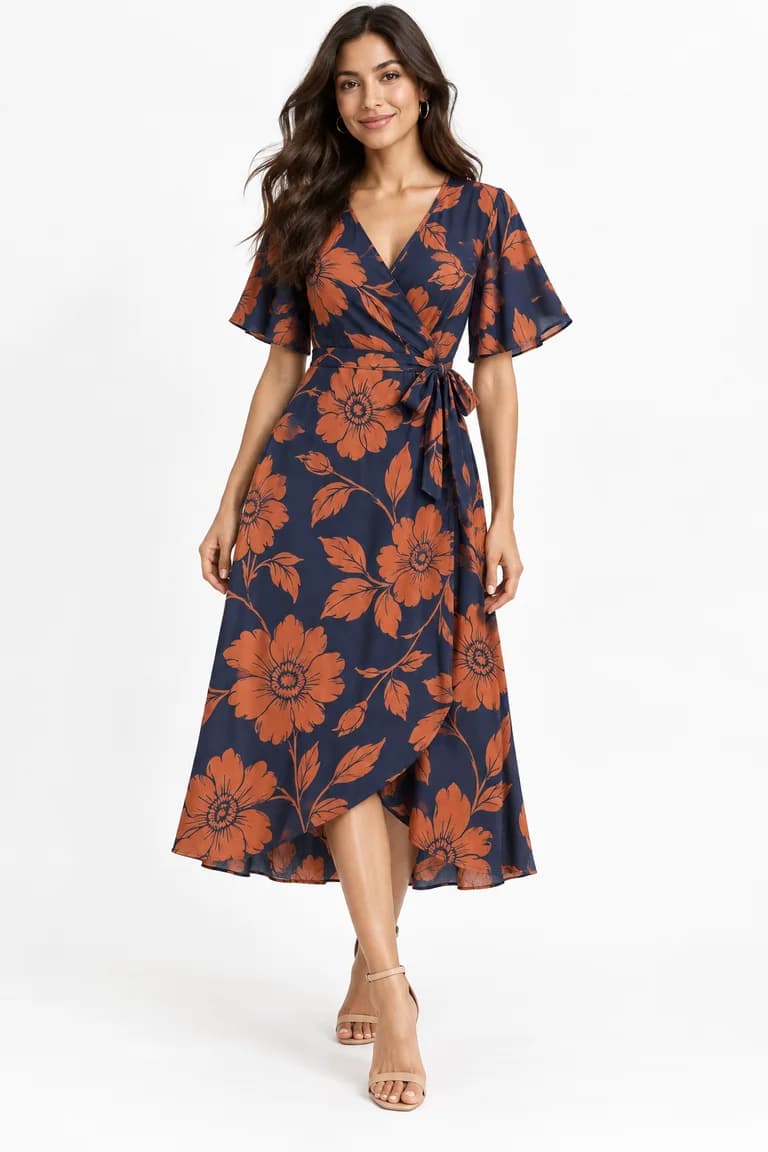
From product photo to on-model image: four real AI runs, step by step
Four real Dress Model runs, from product photo to AI on-model image: settings, measured times, credits, and what was kept or changed in each result.
6 min read
Read article